FrameSpace Youtube Channel
by FrameSpace - Built in Framer
EFEX Website
by FrameSpace - Built in Framer
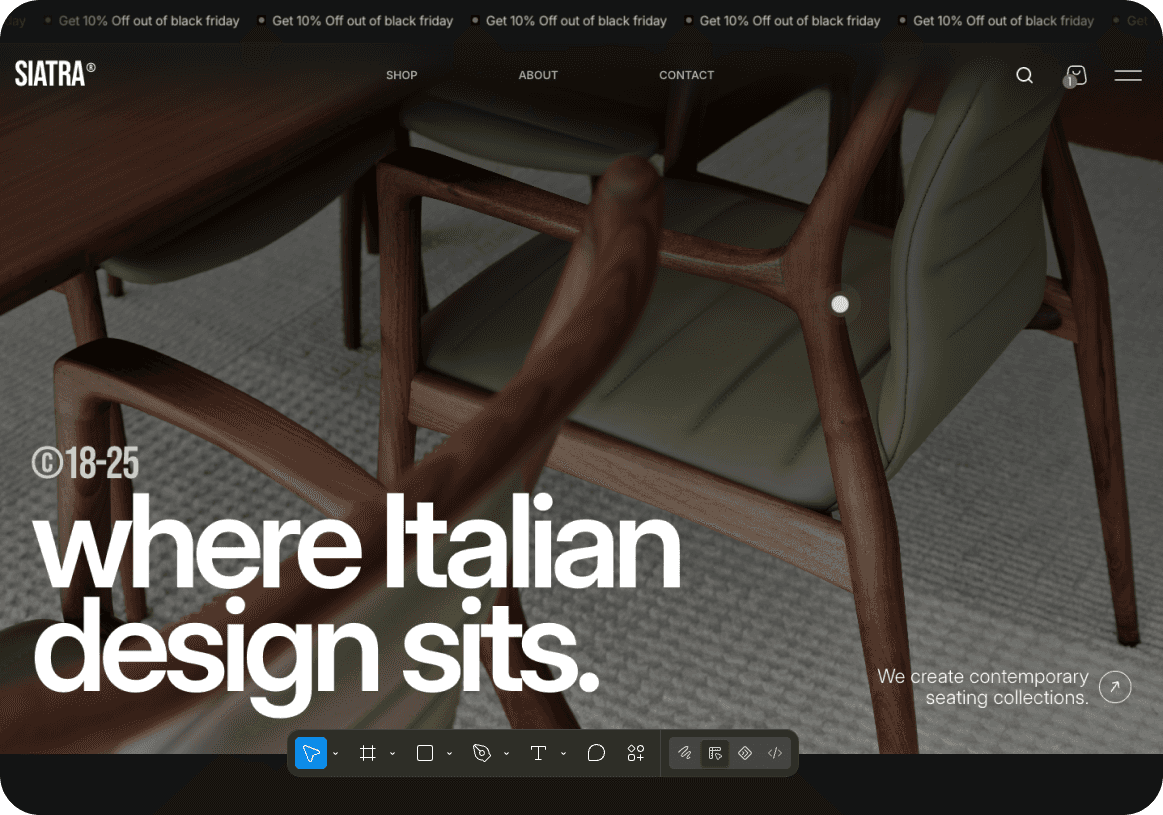
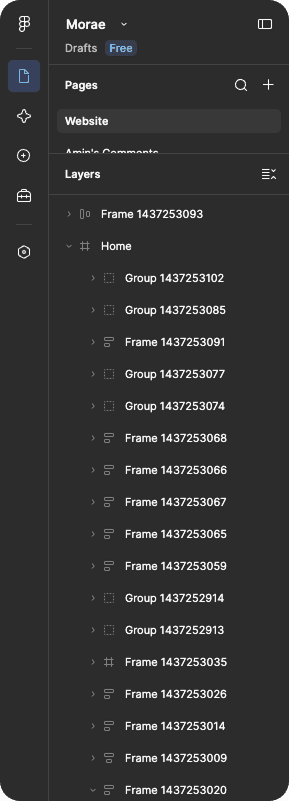
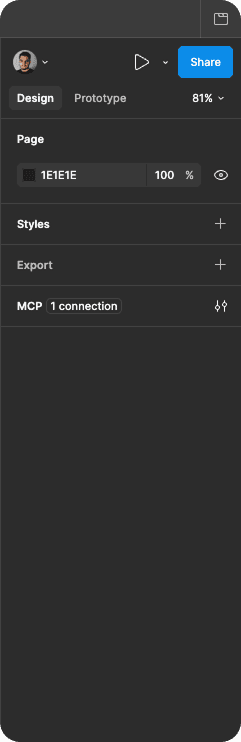
Practice
Guided practice
03
Build
Real projects
02
Learn
Foundations
01
Learn
Phase 01
Module 01:
Introduction
01
Course structure and workspace setup
02
Project mindset and learning path
03
Working from a clear brief
04
From idea to first page
05
Your first Framer project
Module 02:
Framer basics
01
Interface and canvas
02
Frames, stacks, and grids
03
Positioning and sizing
04
Typography, color, and styles
05
Understanding page structure
Module 03:
Professional page building
01
Hero and navigation
02
Features and content sections
03
Testimonials and social proof
04
FAQ and CTA patterns
05
Landing page hierarchy
Module 04:
Responsive QA
01
Mobile-first thinking
02
Breakpoints and layout changes
03
Overflow and sizing issues
04
Accessibility and performance
05
Final responsive QA
Build
Phase 02
Module 05:
Components & interactions
01
Components, variants, and variables
02
States, hover, and pressed interactions
03
Appear and scroll effects
04
Building a responsive navbar
05
Reusable interaction patterns
Module 06:
CMS & dynamic content
01
Collections, fields, and lists
02
Blog and portfolio structures
03
Filtering, sorting, and detail pages
04
Connecting CMS data to components
05
CMS best practices
Module 07:
AI in the design workflow
01
Brief, context, and branch
02
Building sections with Framer Agent
03
Copy, assets, and layout generation
04
CMS pages and dynamic content
05
Reviewing and controlling the output
Module 08:
E-commerce with Shopiframe
01
Shopiframe setup
02
Home, collection, and product pages
03
Product models, categories, and images
04
Variants and responsive cart flows
05
Accessibility, SEO, performance, and QA
Ship
Phase 03
Module 09:
Creating & selling templates
01
Choosing a niche and audience
02
Reusable components and structure
03
Originality, preview, and listing
04
Pricing, checkout, and marketplace
05
Distribution and launch
Module 10:
Publishing & maintenance
01
Preview URL, Remix URL, and documentation
02
Versioning and updates
03
Refunds, support, and feedback
04
Launch planning
05
The post-launch update cycle
Module 11:
Practice projects
01
Build a portfolio site
02
Build an e-commerce project
03
Customize a template for a niche
04
Follow a brief from start to finish
05
Complete a final challenge
Module 12:
Community & resources
01
Community and mentorship
02
Prompts, transcripts, and checklists
03
Assets and project resources
04
Showcase and feedback
05
Keep practicing after the course




Need more information?
When will the course be available?
Who is this course for?
Do I need to know how to code?
Are the projects shown here included in the course?
What kind of projects will we build?
How is the course different from your YouTube videos?
Can I use the workflow for my own projects?